
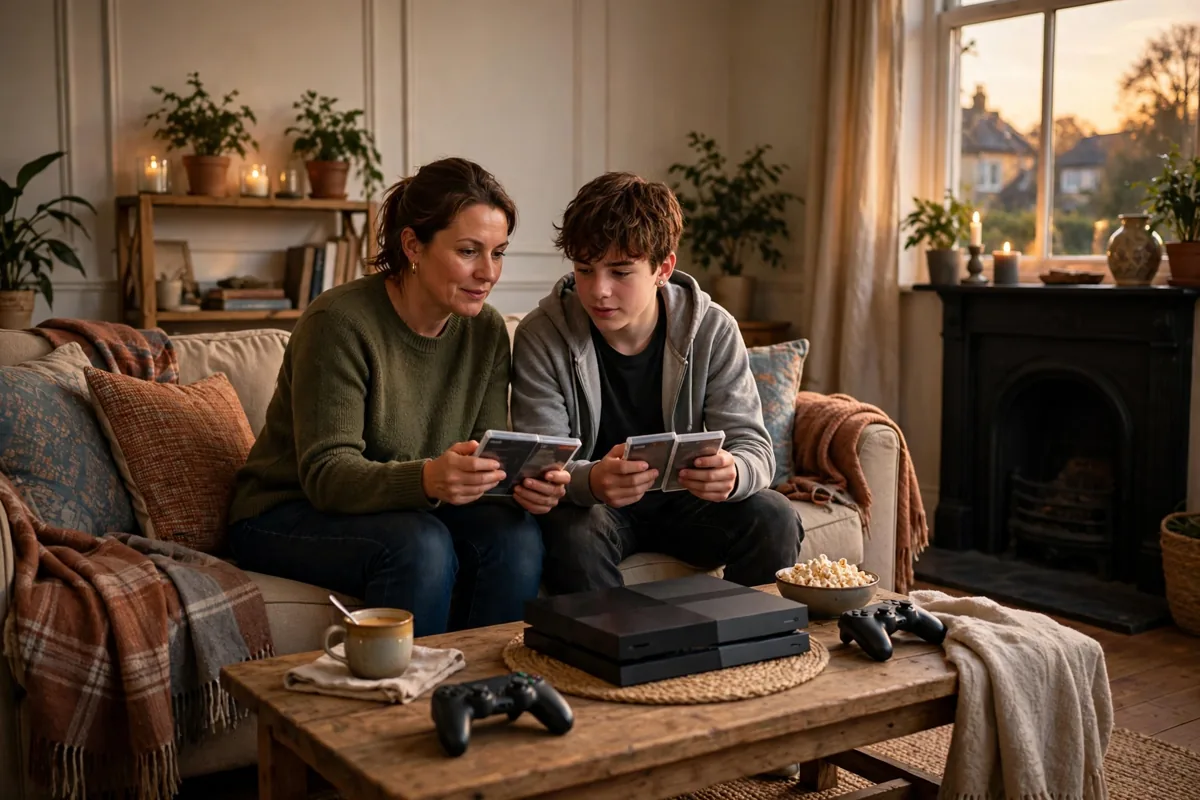
Your child has asked for a game you have never heard of, the box is covered in symbols, and the shop assistant is no help at all. This is exactly the moment video game age ratings were designed for. In the UK, games are rated by the PEGI system, and once you understand what the coloured labels and little pictograms mean, you can judge almost any game in under a minute. This guide explains each rating, the content labels that sit beside it, and the quick checks that help you buy with confidence.
What the PEGI Age Ratings Mean
PEGI ratings appear on the front and back of game boxes and on digital store pages. The number is a minimum age guide based on content, not difficulty or quality.
- PEGI 3: suitable for all ages. Any violence is comic and cartoon-like, with no frightening content or bad language.
- PEGI 7: may include mild, unrealistic violence and scenes that could frighten very young children, such as tense moments in adventure games.
- PEGI 12: can show more detailed fantasy violence, mild bad language, and mild sexual innuendo. Many popular adventure and sports titles sit here.
- PEGI 16: realistic-looking violence, stronger language, and depictions of alcohol, tobacco or drug use can appear.
- PEGI 18: adult content, including graphic violence and glamorised criminal behaviour. In the UK this rating is legally enforceable at the point of sale, like a film certificate.
The lower ratings are advisory, so a confident parent can let a mature eleven-year-old play a PEGI 12 game. The rating is information for your judgement, not a substitute for it.
The Content Labels on the Box
The age number is only half the story. Beside it you will find small black-and-white pictograms describing why the game earned its rating: violence, bad language, fear, sex, drugs, discrimination, gambling-style content, and in-game purchases. Two games can share a PEGI 12 label for completely different reasons, one for fantasy battles and another for swearing, and the labels let you decide which your family is comfortable with.
The in-game purchases label deserves special attention. It means the game offers extras for real money, from cosmetic outfits to randomised packs. It does not make a game unsuitable, but it is your cue to set spending controls before the first play session, not after the first surprise on your card statement.
Age Ratings Are Not Difficulty Ratings
A common confusion is assuming a low rating means an easy game. Some PEGI 3 puzzle games are fiendishly hard, while some PEGI 18 titles are simple to play. If your child is frustrated, the problem is usually difficulty settings, not content. Most modern games offer adjustable difficulty and assist modes, and it is worth checking for those in reviews. If you are browsing for something the whole family can enjoy, our round-up of the best PS5 exclusive games is a useful place to compare options before you buy.
Online Play, Chat and Downloads
Ratings cover the game itself, but online play adds things no label can fully capture: voice chat with strangers, user-created levels, and downloadable extras. Digital store pages show the same PEGI information as boxes, so check there before any download. For younger children, keep online accounts set to private, turn off open voice chat, and play new online games together the first few times so you can hear what the environment is actually like.
It also helps to talk about how games fit alongside everything else on a screen. Our article on how smartphones are transforming our lives raises the same questions about attention and habits, and families often find one set of house rules works for both phones and consoles.
How to Check a Game in Under a Minute
When a title is new to you, run through this quick routine. First, find the PEGI age label and content pictograms on the box or store page. Second, search the game’s name on the PEGI website or app, which explains the rating in plain words. Third, watch a few minutes of real gameplay video rather than a trailer, because trailers hide as much as they show. Finally, read one review written for parents rather than for players; these focus on content, length and spending prompts instead of graphics.
That four-step check takes less time than the drive to the shop, and it turns an uncertain purchase into an informed one. It is also a good habit to model: children who see ratings checked calmly learn to treat them as useful information rather than a challenge to get around.
Parental Controls and Healthy Habits
Every modern console, phone and tablet offers parental controls: age filters that block higher-rated games, spending limits, play-time reports, and approval requests for downloads. Set them up when the device arrives, link purchases to your own account, and agree the rules with your child while things are calm. Controls work best as a safety net under a conversation, not as a replacement for one.
Balance matters too. Regular breaks, daylight, and proper meals keep gaming enjoyable rather than exhausting; as our short guide on avoiding skipping meals points out, energy and mood dip quickly when food is forgotten. And some of the best family time needs no screen at all, whether that is a day trip from our UK staycation ideas or simply gathering everyone around the table with the kind of spread in our Christmas tableware ideas.
PEGI and Film Ratings: How They Compare
Parents often ask how PEGI compares with the film certificates they already know. The systems are close cousins: PEGI 12, 16 and 18 were designed to feel familiar alongside 12A, 15 and 18 films, and PEGI 18 carries the same legal weight in shops. The main difference is interactivity. A film viewer only watches a violent scene, while a player performs it, sometimes repeatedly, which is why games are assessed on what the player does as well as what appears on screen.
Streaming and video sites use their own maturity labels, and they do not always match PEGI for the same title, so treat the game box or the PEGI app as the reference that counts. Once you have compared a few titles across both systems, the labels start to feel like two dialects of the same language, and checking a new game becomes as quick as glancing at a film certificate before a family film night.
Ratings You Can Rely On
Video game age ratings are not there to frighten parents or to ban fun. They are a quick, honest summary of what is inside the box, written in a code that takes five minutes to learn. Check the number, read the labels, glance at real gameplay, and set your controls once. Do that, and the next time your child asks for a game you have never heard of, you will know exactly how to answer.